A shared business-assistance family for the company, owner, expert, trade and growth workflow. CompanyOS is the general product; Fellowhand, Briefhand, ArtisanOS and GTM Learning Loop provide focused experiences. AI-company orchestration is a separate operating-mode direction.
CONNECTED ACROSS LSSM
Shared direction. Many connections.
Select an entry to explore its neighbours. Move between ownership, specifications, areas, products, data and infrastructure without leaving this page.
Arrow keys navigate entries. Enter selects. Alt + arrows rearranges. F fits the view; Shift + F fits the selection. + and − zoom. Shift + F10 opens actions.
Drag to pan · Ctrl/⌘ + scroll to zoom
Accessible entry list (9)
Families & ecosystems
Products & experiences
Products & experiences
Products & experiences
Products & experiences
Products & experiences
Shared foundations
Shared foundations
Shared foundations
01 / Our team needs the relevant context and a clear next step for recurring work.
CompanyOS
Business assistance grounded in your company’s context
A general company workspace and adaptable business foundation. Documents, conversations and prepared work come together around the team’s responsibilities, with sources and review visible.
Prepare replies, find the right document and pick up the follow-up you meant to send. CompanyOS helps with the work around the work, with your team in control.
Discuss your installationSee CompanyOS at work
Installed on your infrastructure. Configured with your team.
Pre-production frame · Example data
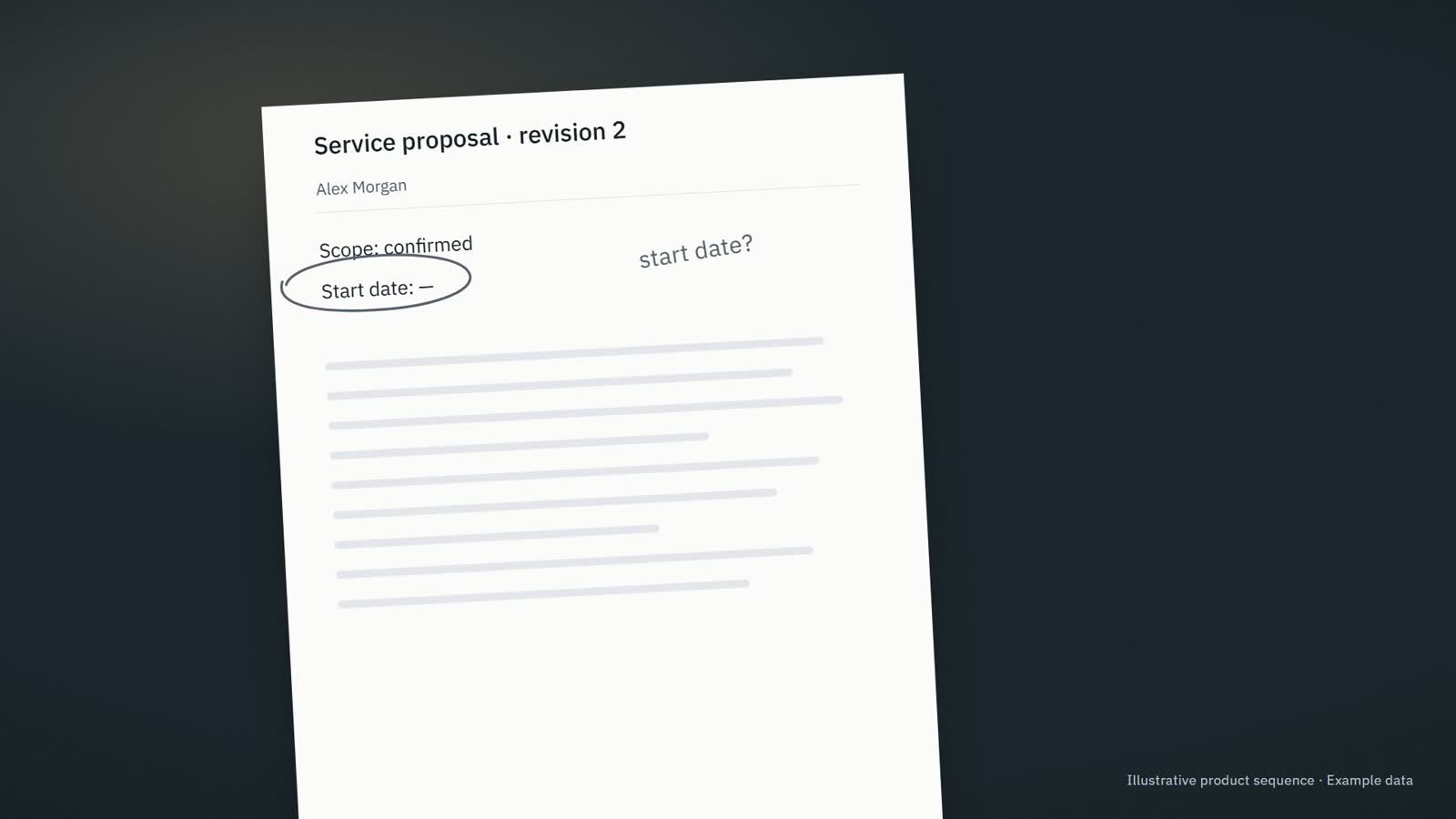
Prepared from this proposalService proposal · revision 2
Hi Alex, here is the updated proposal. The start date still needs confirmation. I will check with the team before confirming it.
Information needed · The start date has not been agreed.
02 / I need to review the prepared work and keep the business moving.
Fellowhand
Prepared replies and briefs for business owners
An owner-focused experience for priorities, preparation and next steps. A composed review queue brings attention, missing information and responsibility into one readable view.
The current proposal. The unanswered question. The reply you still owe. Fellowhand gets the context and the next draft ready, so you can focus on the decisions that need you.
Discuss your assistantSee meeting preparation
Pre-production frame · Example data
Meeting preparationClient meeting · 10:30Example data
Current sourceService proposal · revision 2
?
Information needed · The start date has not been agreed.
✓Saved · Next step: Confirm the proposed start date with the project lead.
03 / I need to turn scattered client context into a brief and a useful decision.
Briefhand
Expert missions organised around briefs and evidence
A precise mission workspace that keeps the mandate, supporting material, decisions and next commitments together. Its vocabulary and compact document hierarchy fit expert client work.
Run expert-led missions without making the founder the operating system.
CompanyOS gives expert-led service firms a governed mission loop: intake, expert staffing, decision packets, weekly command cycles, human approvals, and evidence.
Run a workflow fit audit
Client quality scales only as far as the founder can coordinate.
Mission knowledge lives in founder memory while experts work across email, spreadsheets, WhatsApp, calls, and documents. The founder keeps collecting, relaunching, consolidating, and interpreting.
04 / Une demande client attend une réponse, un devis ou une commande à préparer.
ArtisanOS
L’administratif des artisans, organisé autour du métier
Demandes clients, devis, commandes et documents : gardez le fil de votre activité avec une aide adaptée à votre façon de travailler. Les profils terrain et atelier gardent chacun leurs mots et leur navigation.
The job is done. The paperwork should not take the evening.
Replies to prepare. Job details to collect. Quotes to follow up. ArtisanOS helps keep the admin moving, while prices, dates and decisions stay with you.
Discuss your incoming requestsSee a job inquiry handled
We set it up with you and agree who looks after it.
Job inquiryAwaiting information
What arrived · Sam Wilson
Hello, we are planning some renovation work. Could we discuss what you would need to prepare a quote?
Information needed
⌖ Site address
▧ Photos of the areas concerned
Draft for review
Hi Sam, could you send the site address and a few photos of the areas concerned? That will help us understand the request before discussing the next step.
Not sent. Waiting for your review.
Review replySave next step
Product illustration · Example data
05 / We have market evidence and need to choose the next experiment.
GTM Learning Loop
Choose the next useful market experiment
Use campaign, conversation and deal evidence to refine an ICP, inspect a small cohort and prepare a reviewed message experiment.
Turn GTM evidence into sharper ICP hypotheses, reviewed experiments, approved messages, and better next iterations.
Explore GTM Learning Loop
GTM Learning Loop
GTM Learning Loop learns from campaigns, replies, sales calls, objections, and deal outcomes to sharpen your ICP, improve your messages, recommend proof assets, and create approved next actions.
The brand defines the audience and promise. Each experience shapes its vocabulary, navigation and first useful task. Shared capabilities can evolve without making every interface look the same.
The existing CompanyOS record describes prepared replies, answers from documents, meeting preparation and follow-ups. The new brief assigns Fellowhand, Briefhand and ArtisanOS to this family and proposes distinct experiences. Sharing a foundation is the design direction; it does not establish that every brand has migrated, launched or already imports the same components.