Meeting preparationClient meeting · 10:30Example data
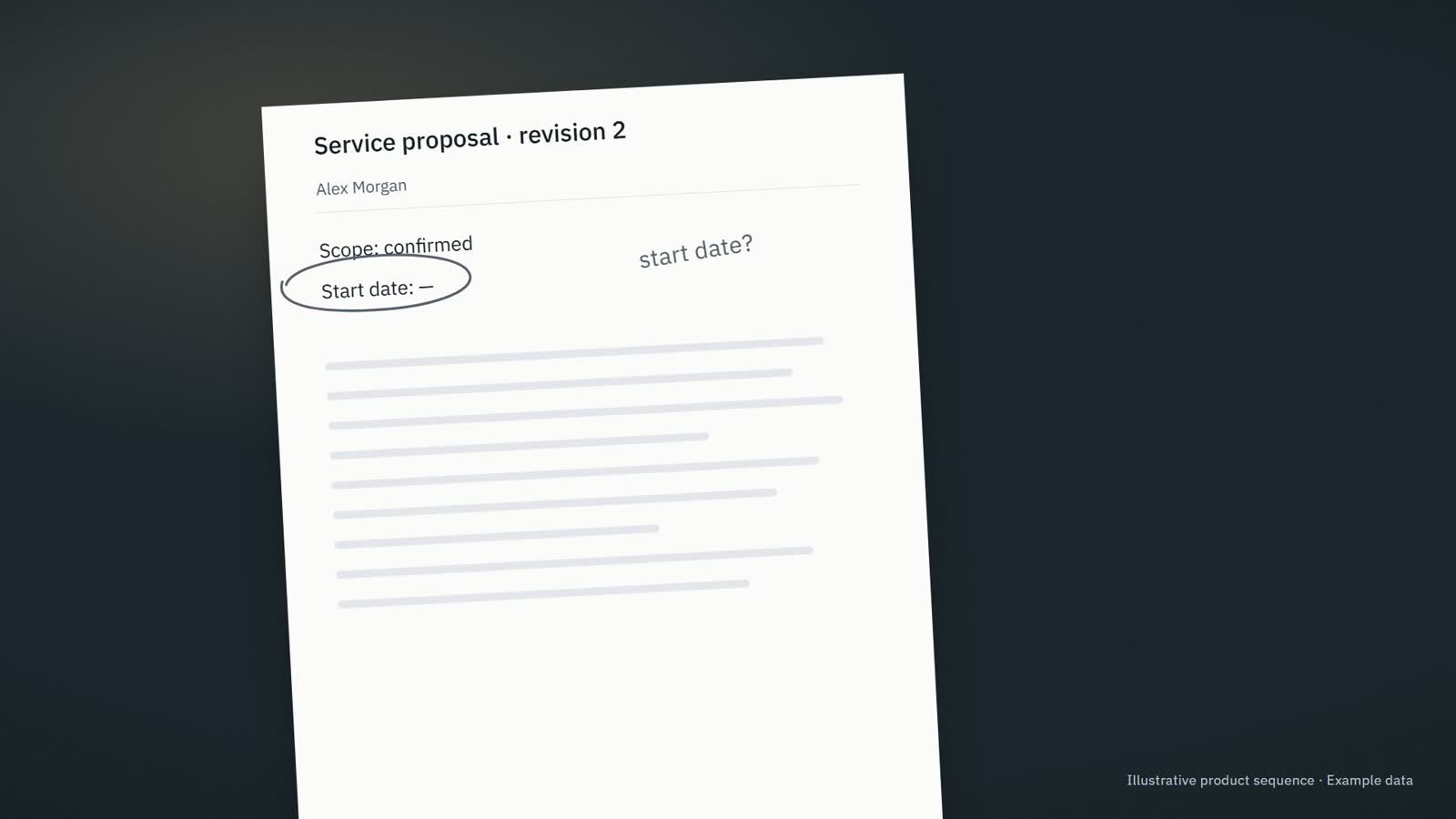
Current sourceService proposal · revision 2
?
Information needed · The start date has not been agreed.
✓Saved · Next step: Confirm the proposed start date with the project lead.
Across the website family · Useful context · Change it whenever you need.
Company assistance
FellowhandAn owner-focused experience for priorities, preparation and next steps. A composed review queue brings attention, missing information and responsibility into one readable view.
A WAY INTO THE PRODUCT
Prepare useful business work from company context so the owner can review it and move it forward.
For owners and executives
The current proposal. The unanswered question. The reply you still owe. Fellowhand gets the context and the next draft ready, so you can focus on the decisions that need you.
Pre-production frame · Example data
Information needed · The start date has not been agreed.
✓Saved · Next step: Confirm the proposed start date with the project lead.
“Could you send the updated proposal and confirm when the work could start?”
This revision replaces the previous proposal. The scope is confirmed. The start date has not been agreed.
Information needed · The start date has not been agreed.
Hi Alex, here is the updated proposal. The start date still needs confirmation. I will check with the team before confirming it.
✓Saved · Next step: Confirm the proposed start date with the project lead.
CONNECTED ACROSS LSSM
Select an entry to explore its neighbours. Move between ownership, specifications, areas, products, data and infrastructure without leaving this page.
9 entries · 34 recorded relationships
Arrow keys navigate entries. Enter selects. Alt + arrows rearranges. F fits the view; Shift + F fits the selection. + and − zoom. Shift + F10 opens actions.
HOW IT CONNECTS
Shared capabilities support a focused promise. Each brand keeps its own audience, tone and way into the work.
Explore Company assistanceA connection is a route to explore. It does not grant another product access to personal or company information.
Accepted in the 28 October 2026 brand handoff as an owner-facing CompanyOS sibling. Its relationship to Tendframe is an adjacent need, not permission to share founder context.
Visuals on this review site reproduce inspected landing-page and app components, with local sample data where needed. Source paths and replacement imports are documented in code comments. A preferred domain or accepted name does not establish a public launch.
CONNECTED WAYS IN
Find the relevant group, follow a capability, or compare another experience for the same role.
Each label describes this project’s connection to the capability.
Lineage identifies a product foundation; functional ecosystems identify related work.
THE ECOSYSTEM ARCHITECTURE
Contracts, intelligence and shared infrastructure and data come together in LSSM OS. Product experiences keep their own purpose and identity.
Context & intelligence
Knowledge, memory and intelligence, available within the right context.
Contracts & build
Define behaviour, build reusable capabilities and verify the work.
Specialized domain & platform specsShared infrastructure & data
LSSM’s specialized holding for infrastructure, data, transmission and streams. Shared roles across every area.
Infrastructure & data scopeBROUGHT TOGETHER BY
Composes contracts, intelligence, infrastructure and data. Runs and operates the environments that bring them into use.
RUNTIME & OPERATIONSTarget ecosystem architecture. ContractSpec specializes into domain and platform contracts. The foundation roles come together through LSSM OS; each technical relationship carries its own evidence.
Patio: the specialized infrastructure and data holding within LSSM, with focused product brands. Implementation and availability are recorded per service. Inspect the scope ↗ · Explore the products ↗